![Qwiek_white.png]](https://help.qwiek.eu/hs-fs/hubfs/Presskit/Presskit%20Qwiek%20logo/Qwiek_white.png?height=40&name=Qwiek_white.png)
1. Preparation (Safety)
Turn off the power
Always unplug the device from the wall outlet first. This prevents electrical hazards and accidental activation of the touchscreen.
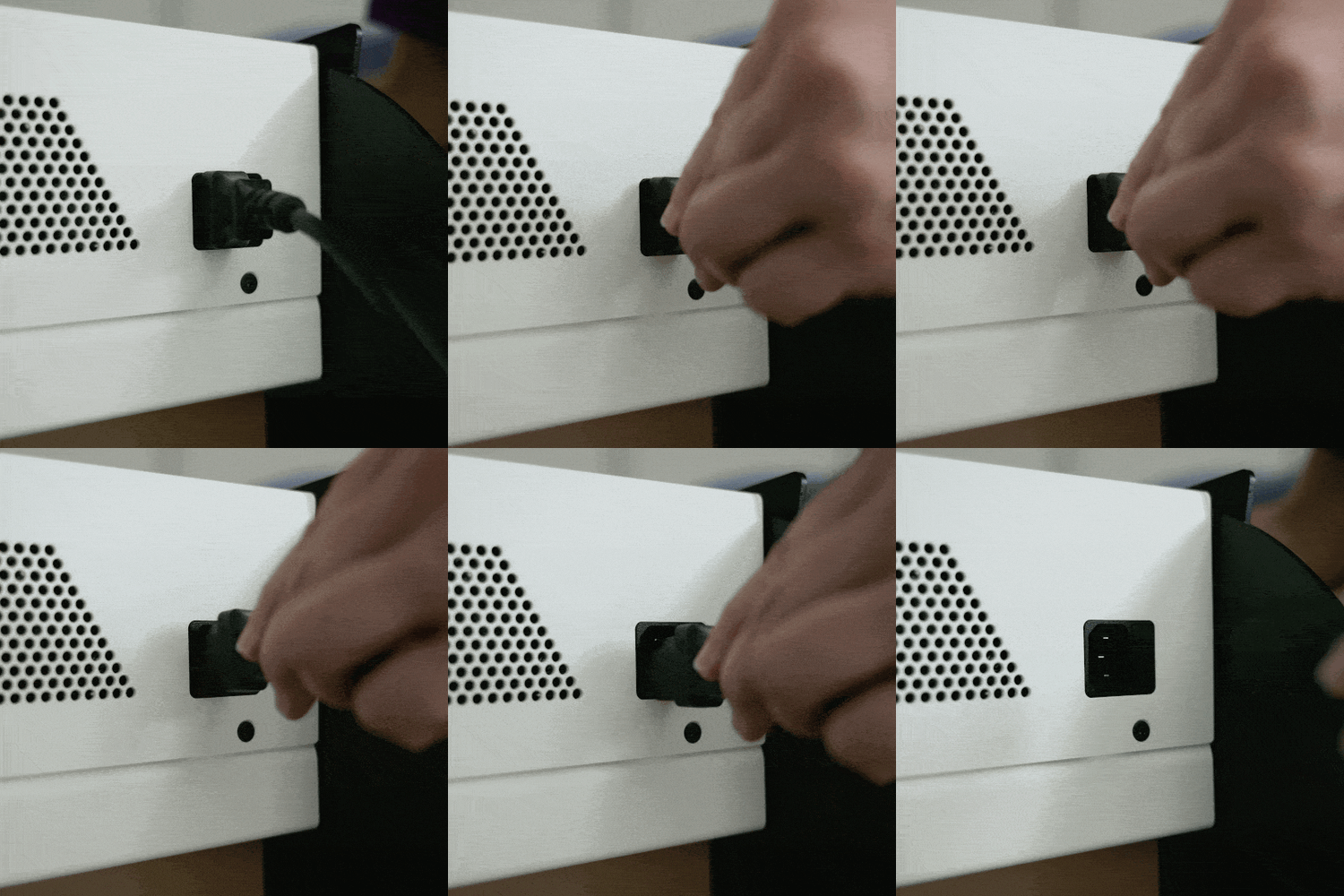
Prevent short circuits
Never submerge the device and never spray cleaning agents directly onto the housing, the screen, the lens, or into the ventilation openings.
2. Cleaning
Housing and cable
Wipe these down with a soft, slightly damp (not dripping wet) cloth with water and a mild dish soap.
The projector lens (Scratch-sensitive!)
For dust and fingerprints, exclusively use a dry lens cloth or a clean, dry microfiber cloth.
3. Disinfecting (If required)
Follow the protocol of your healthcare institution. Use a slightly damp cloth with one of the following approved agents:
- Alcohol 70% (Ethanol or Isopropanol)
- Hydrogen peroxide max. 3% (e.g., Blue Wonder 1.5%)
- Mild chlorine solution (max. 250 ppm)
- Wecoline Clean ‘n Easy Interior wipes
⚠️ Note regarding the lens: When disinfecting, only wipe the lens with a slightly damp cloth. Absolutely do not rub hard, otherwise the anti-reflective coating will be damaged.
4. Drying and Starting Up
Allow to dry completely
Ensure that the entire device — especially the power connection and USB port at the bottom — is 100% dry.
Ready for use
Do not plug the device back into the wall outlet until everything is completely dry to prevent a short circuit.