![Qwiek_white.png]](https://help.qwiek.eu/hs-fs/hubfs/Presskit/Presskit%20Qwiek%20logo/Qwiek_white.png?height=40&name=Qwiek_white.png)
1. Start a module
Make sure the desired module is running. If you don't know exactly how to do this, you can check Steps 1 to 3 of the article 'How do I start an Experience Module?' to start up a module.
2. Activate night mode
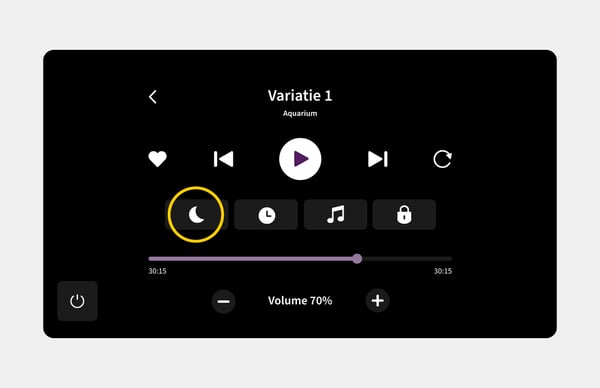
Tap the moon icon to turn on night mode. The brightness of both the touchscreen and the projector will immediately decrease to create a peaceful environment.
3. Turn off night mode
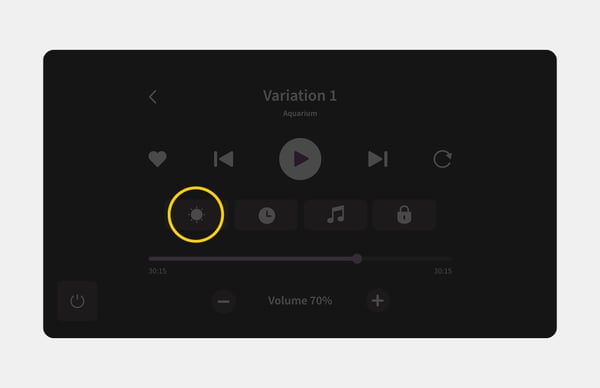
As soon as you stop the module or tap the sun icon, the lighting of the screen and the projector will automatically switch back to the normal, bright setting.