![Qwiek_white.png]](https://help.qwiek.eu/hs-fs/hubfs/Presskit/Presskit%20Qwiek%20logo/Qwiek_white.png?height=40&name=Qwiek_white.png)
Adding favorite modules
1. Start a module
Make sure the desired module is running. If you don't know exactly how to do this, you can check Steps 1 to 3 of the article 'How do I start an Experience Module?' to start up a module.
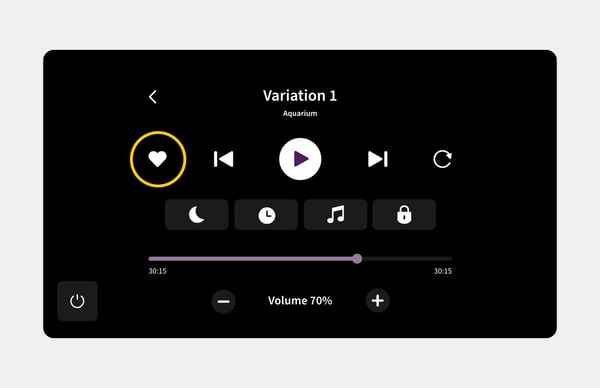
2. Press the heart icon
While the module is playing, press the button with the heart icon. The module is now immediately added to your personal favorites list.
Viewing favorite modules
1. Go to the home screen
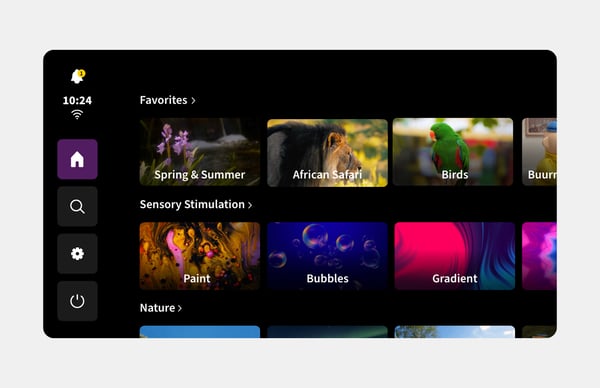
Make sure you are on the home screen of the Qwiek.up.
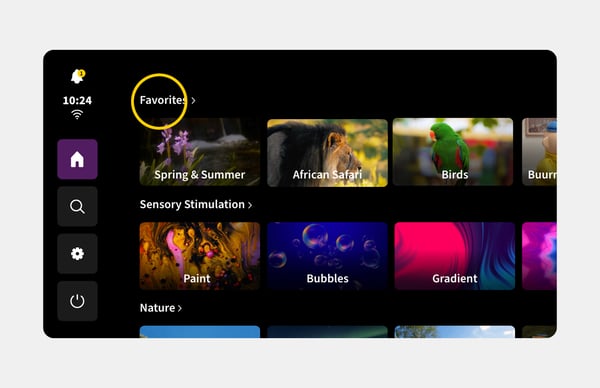
2. Press 'Favorites' or select a module listed under 'Favorites' directly
Select the 'Favorites' option on the home screen. You will now see an overview of all your favorite modules and can start them directly.