![Qwiek_white.png]](https://help.qwiek.eu/hs-fs/hubfs/Presskit/Presskit%20Qwiek%20logo/Qwiek_white.png?height=40&name=Qwiek_white.png)
1. Start a module
Make sure the desired module is running. If you don't know exactly how to do this, you can check Steps 1 to 3 of the article 'How do I start an Experience Module?' to start up a module.
2. Open the music menu
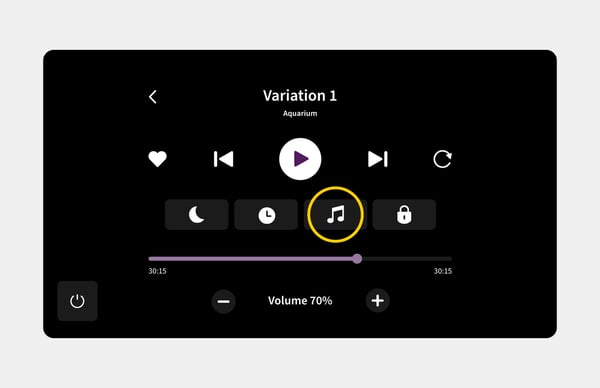
Look closely at the screen while the module is active. You will see a music note icon somewhere on the screen. Press or click this icon.
3. Choose your desired music
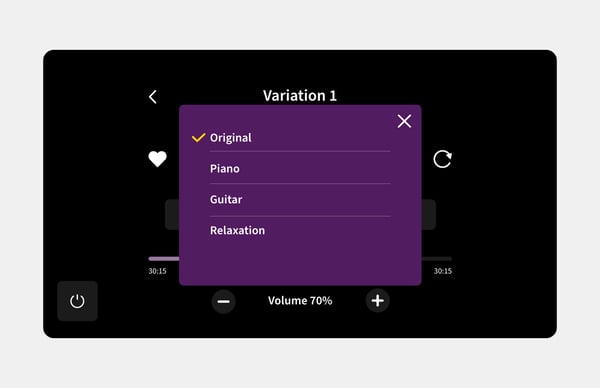
A list will now appear on the screen with all available music tracks for this module. Select the music you want to hear and immediately enjoy the new background music!