![Qwiek_white.png]](https://help.qwiek.eu/hs-fs/hubfs/Presskit/Presskit%20Qwiek%20logo/Qwiek_white.png?height=40&name=Qwiek_white.png)
Turning on the Qwiek.up
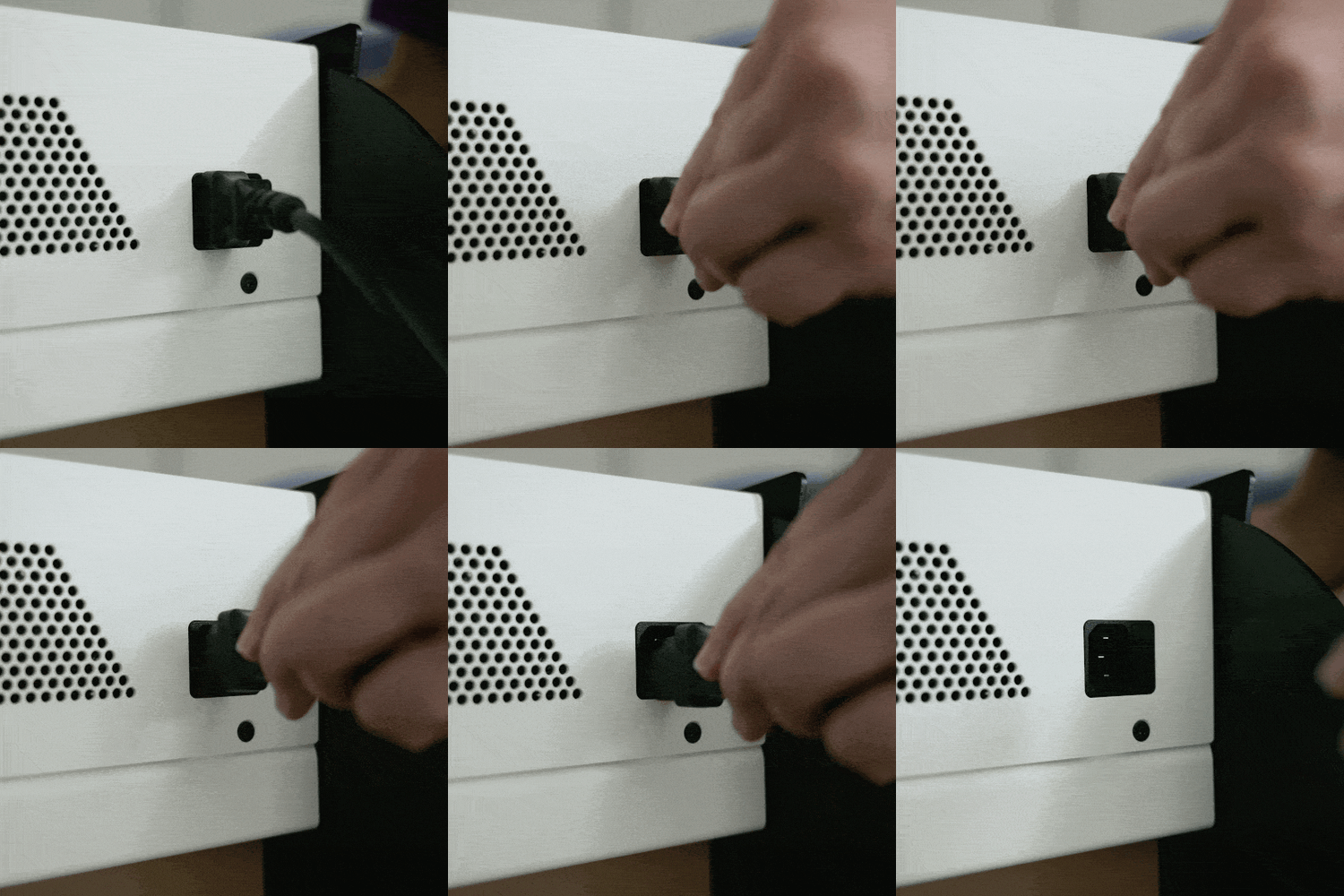
1. Plug the power cord into the wall outlet and the Qwiek.up.
Position the cable carefully and safely to prevent tripping hazards.
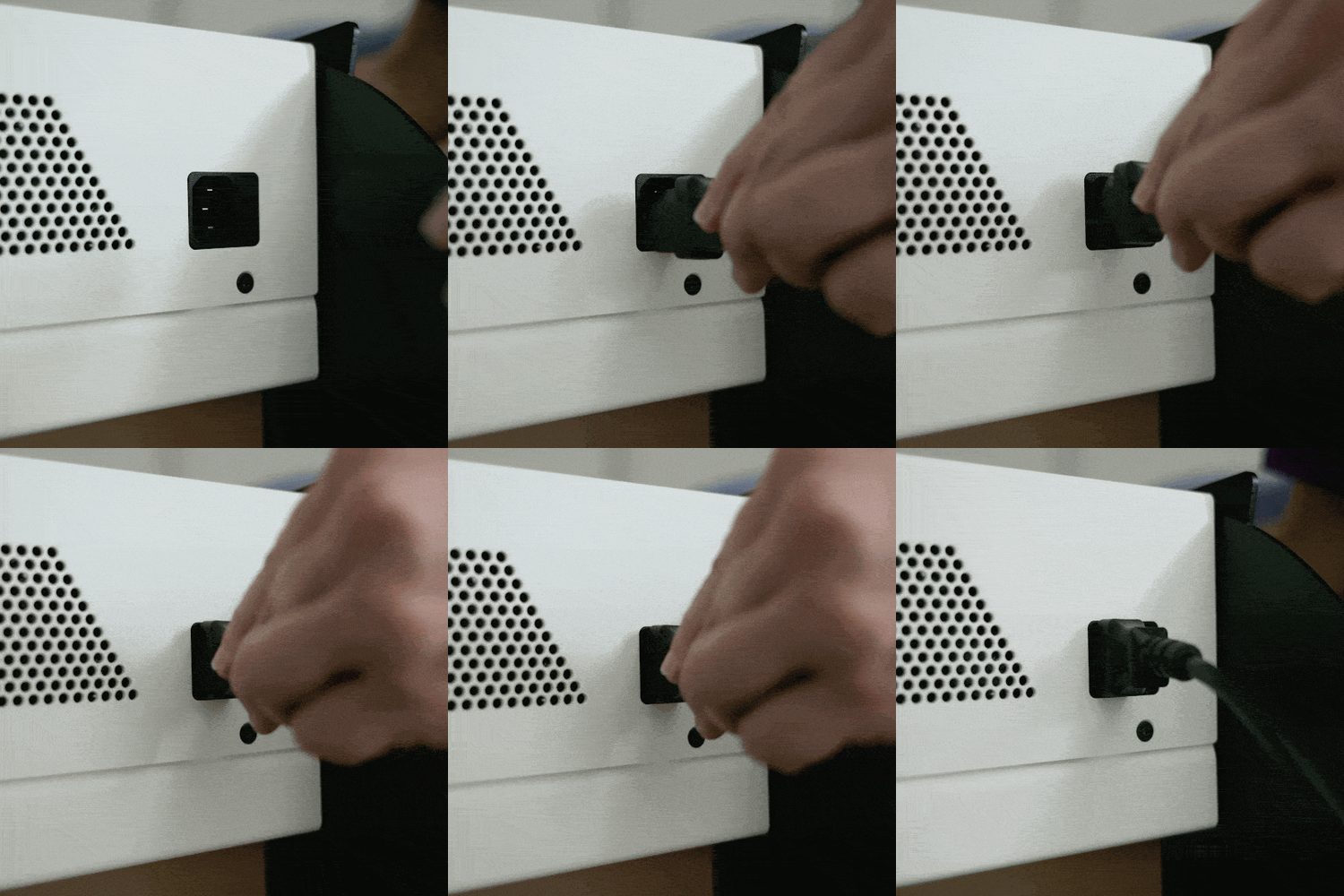
2. Wait for the touchscreen to start up
It takes about 10 seconds for the system to boot up and for an image to appear on the touchscreen.
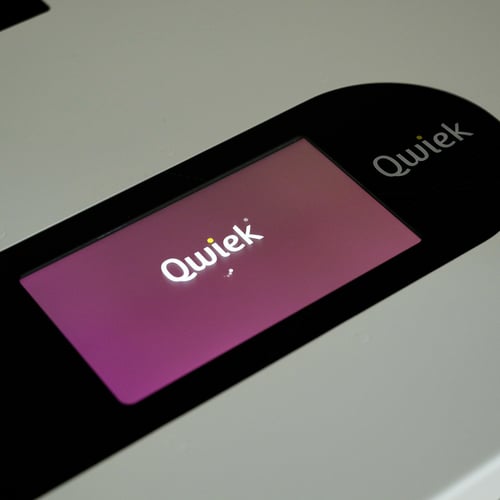
3. Start a module
Start the desired module. If you don't know exactly how to do this, you can check Steps 1 to 3 of the article 'How do I start an Experience Module?' for starting up a module.
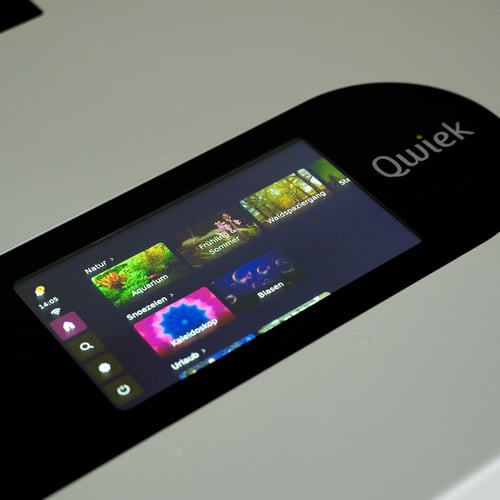
Turning off the Qwiek.up
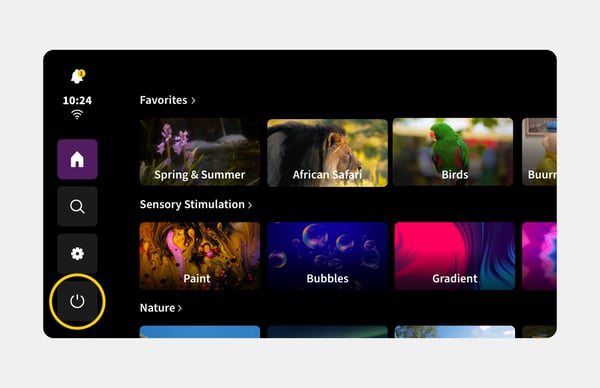
1. Press the shut down button
Press the shut down button on the screen.
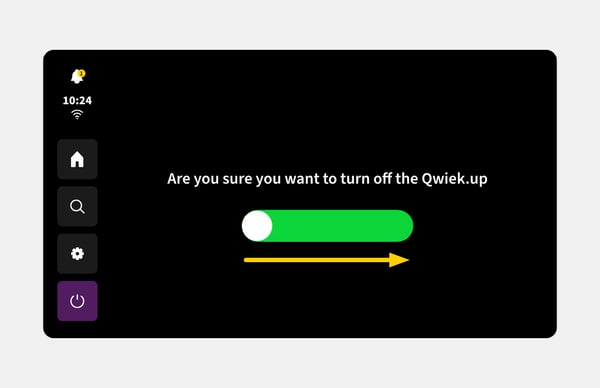
2. Drag the bar to shut down
Swipe the bar to the right to shut down the system.
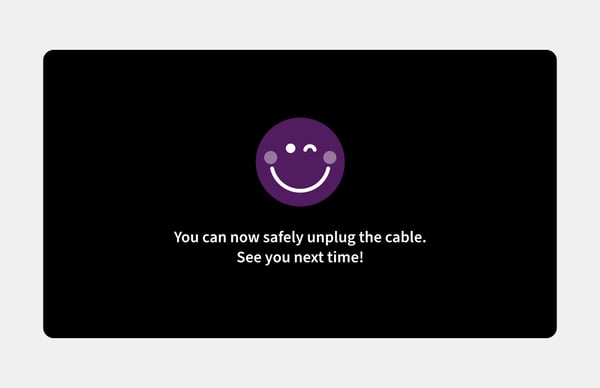
3. Wait for the Qwiek.up to turn off
Do not unplug the power cable until the Qwiek.up has completely shut down.
4. Unplug the power cord from the wall outlet
Wait until the message on the screen confirms that the device has been safely shut down. Only then should you unplug the power cord from the wall outlet.