![Qwiek_white.png]](https://help.qwiek.eu/hs-fs/hubfs/Presskit/Presskit%20Qwiek%20logo/Qwiek_white.png?height=40&name=Qwiek_white.png)
1. Start a module
Make sure the desired module is running. If you don't know exactly how to do this, you can check Steps 1 to 3 of the article 'How do I start an Experience Module?' to start up a module.
2. Adjust the image size (Zoom ring)
On the front of the Qwiek.up, around the lens, you will find two adjustment rings. The ring meant for the size is the zoom ring. Take hold of this ring and turn it to determine the desired size:
- Decrease image size: Turn the zoom ring to the left (counterclockwise).
- Increase image size: Turn the zoom ring to the right (clockwise).
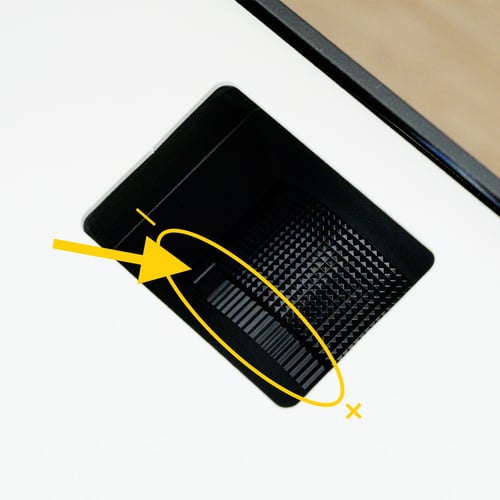
3. Focus the image (Focus ring)
When you make the image larger or smaller, the projection will immediately become blurry. Now take hold of the other adjustment ring: the focus ring.
- Gently turn this ring to the left or right until the details of the module are crystal clear on the wall or ceiling again.
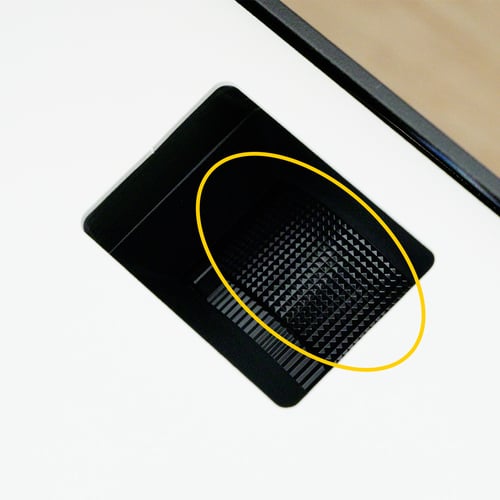
4. Project onto wall or ceiling
The Qwiek.up can project onto both the ceiling and the wall. You set the desired projection angle by tilting the Qwiek.up either forward or upward. To adjust the angle, it is best to grab the sides of the Qwiek.up and turn the Qwiek.up in the desired direction. This prevents you from touching the lens with your hands, which could damage the lens.
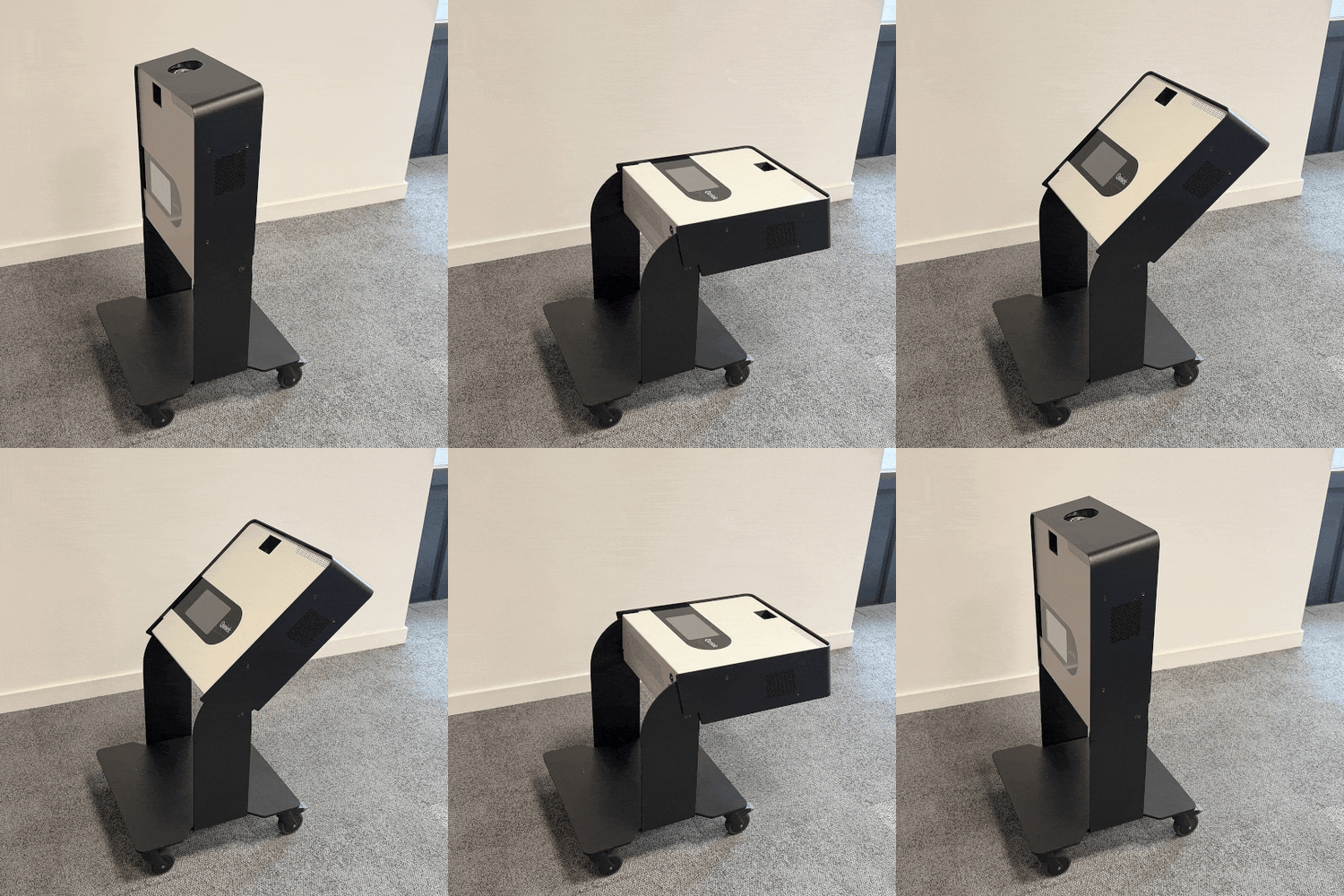
5. Adjusting the projection angle
If your Qwiek.up no longer stays at the correct angle, you can adjust it yourself using the screws on both sides.
Tools
- 2.5 mm Allen key
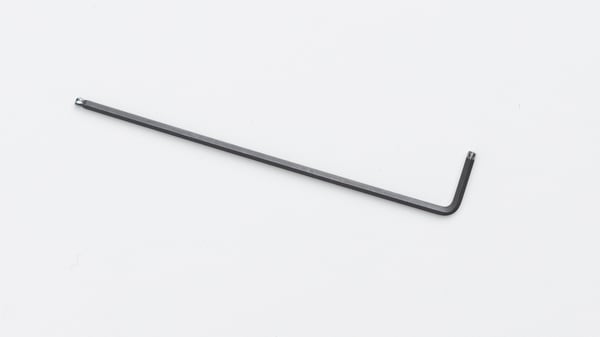
To do this, tighten the 4 screws on the outside of the Qwiek.up (2 screws on each side) slightly with a 2.5 mm Allen key. Always tighten both screws "per side" and then check if your Qwiek.up tilts as desired again.
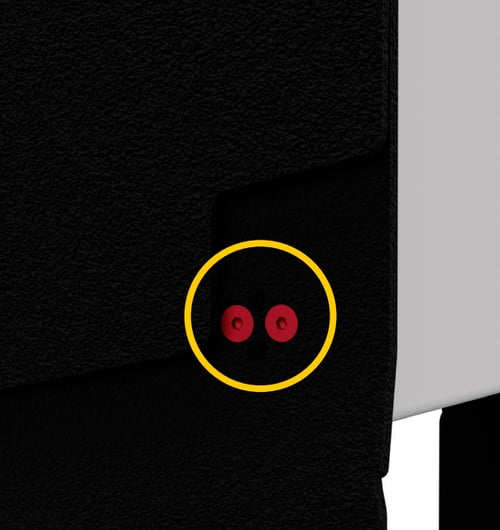
Note! Never loosen the screws too far. This can cause the top of your Qwiek.up to come loose and fall, which will cause permanent damage to your Qwiek.up.
If necessary, ask the technical service of your healthcare organization for assistance.